
How to scope the first version of your software
A practical way to decide what your first release must do: one person, one job, a short path, a few things done by hand, and a time box that forces real choices.
Most first versions of software fail for the same reason: they try to be the whole product on day one. The feature list grows during every meeting, the launch date slides, and by the time anything ships, the people it was for have found a workaround and moved on.
Scoping is the skill that prevents that. It is less about cutting features and more about choosing the one problem your first release must solve completely. Here is the process we use when a founder or team brings us an idea and asks what version one should be.
Start with one person and one job
Before talking about screens or features, write a single sentence: who is using this, and what are they trying to get done? Not a market segment. A person. "A church administrator who needs to know who signed up for Saturday's volunteer shift" is a scope. "Churches" is not.
If you cannot name one person, you will design for everyone, and software designed for everyone tends to be confusing for each of them. You can widen the audience later. You cannot easily simplify a product that was built wide from the start.
Once you have the person, describe the moment they reach for your product. What just happened? What are they holding? What do they need to know or do in the next five minutes? That moment is the center of your first version.
Write the path before the feature list
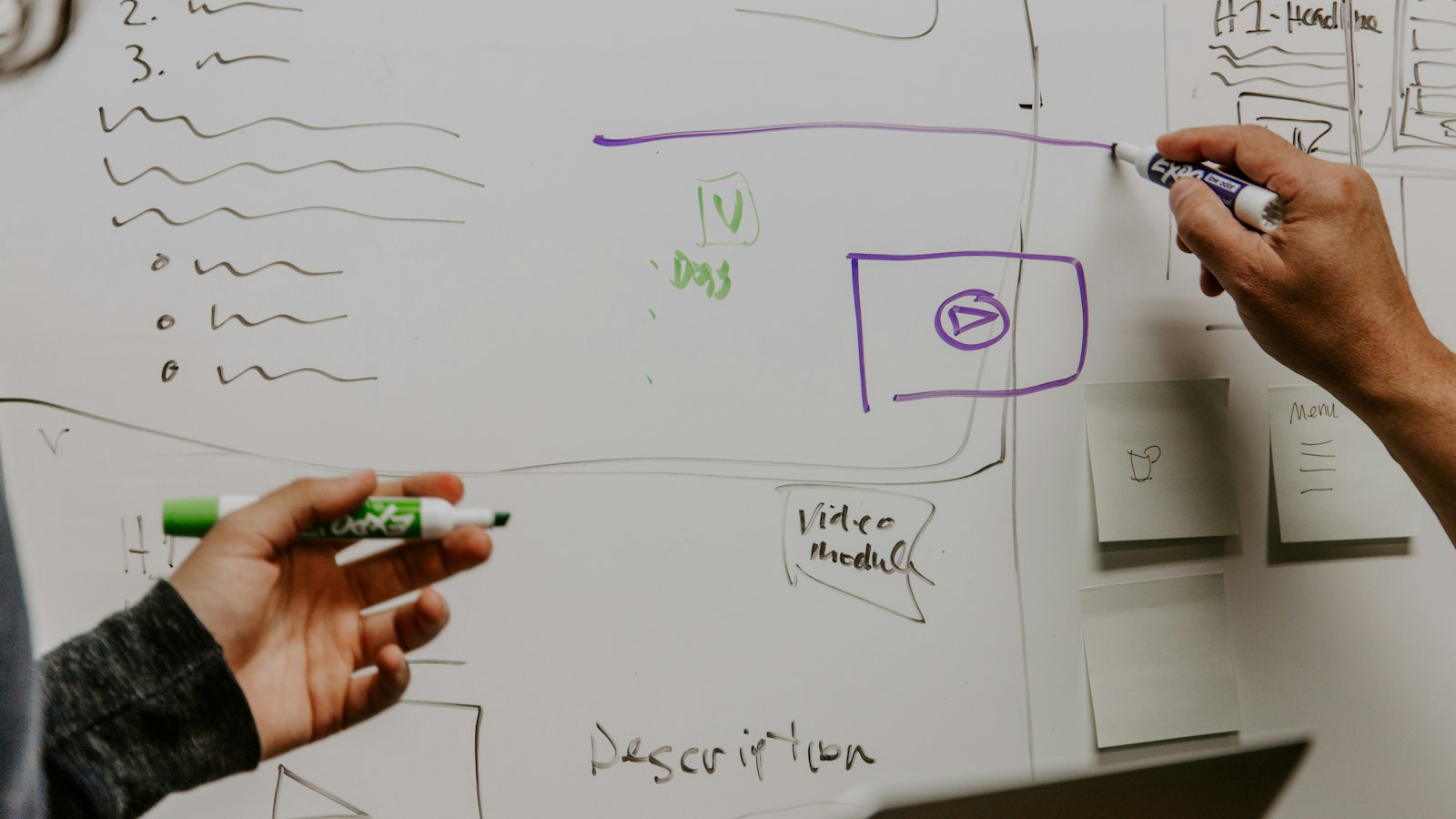
Feature lists are where scope goes to grow. Instead, write the path: the handful of steps the person takes from opening the product to finishing the job. For most good first versions, that path fits on an index card.
- Arrive. How do they get in? An invite link, a sign-up form, a shared calendar?
- Act. What is the one thing they do? Add an event, submit a request, check a status.
- See the result. What confirms it worked? A list updates, an email arrives, a number changes.
- Come back. What brings them back tomorrow or next week? If nothing does, the product is a one-time form, and that may be fine.
Every feature that does not serve one of these steps goes on a later list. That list is not a graveyard. It is a parking lot, and you will come back to it with real usage to tell you which ideas matter.
Separate must-work from nice-to-have
Inside the path, some things must work flawlessly and some only need to exist. Mixing the two is how small projects become large ones.
The must-work list is usually short: signing in, saving data without losing it, sending the one notification people rely on, and handling money correctly if money is involved. These deserve real care, real testing and real error handling.
The nice-to-have list is everything else: custom themes, detailed reports, bulk editing, a dark mode, ten notification settings. In a first version, the plain version of each is enough. A report can be a CSV export. Settings can be one sensible default. Bulk editing can be you, running a script, the three times a customer asks.
A first version should be boring in every place except the one that matters.
Decide what you will do by hand
One of the most useful scoping questions is this: what can a person on your team do manually for the first fifty customers? Onboarding, data imports, refunds, account changes and unusual requests are often cheaper to handle by hand than to automate before you know how often they happen.
Doing things by hand also teaches you what to build. The fifth time you import a spreadsheet for a customer, you know exactly which columns people send, which ones they get wrong and what the import screen should say. That knowledge is hard to get any other way.
The trick is to write these manual tasks down. A short internal checklist keeps them from becoming invisible work, and it becomes the backlog for your second version.
Leave room for the boring parts
Scoping is not only about what users see. Every product, however small, needs a few things nobody asks for and everybody notices when they are missing:
- Backups you have restored at least once. A backup you have never tested is a hope, not a plan.
- Password reset and account recovery. This is the first support request you will get.
- Error alerts. You should know something broke before a customer emails you.
- A way to export data. People trust a product more when they know they can leave with their information.
- Basic accessibility. Readable contrast, working keyboard navigation and labeled form fields cost little up front and a lot to add later.
Put these in the plan from the start. They take days, not weeks, when they are planned. Retrofitting them after launch, under pressure, usually takes longer and goes worse.
Set a time box, then cut to fit it
A scope without a deadline expands. Pick a time box that feels slightly uncomfortable, often six to ten weeks for a focused first version, and make the scope fit the time rather than the other way around.
When the estimate comes back too big, resist the urge to move the date. Go back to the path and ask which step can get simpler. Can sign-in be a magic link instead of a full account system? Can the dashboard be a single list? Can the mobile app wait while a responsive web page does the job? Most first versions can lose a third of their planned work without losing anything a real user would miss.
This is also the point where AI features deserve a hard look. If an AI step is the core of the job, it belongs in the first version and deserves the must-work treatment. If it is a clever extra, it can wait until you know where people actually get stuck.
What to do next
If you are sitting on an idea, try this before you talk to any developer, including us:
- Write the sentence. One person, one job, one moment.
- Draw the path. Four or five steps on a single card.
- Sort the list. Must-work, nice-to-have and done-by-hand.
- Pick the date. Then cut until the plan fits it.
You will walk into any build conversation with a clearer idea, a smaller budget and a better chance of shipping something people use. If you want a second set of eyes on your scope, tell us what you are working on. We are happy to help you find the smallest version worth building.